Showing posts with label effect. Show all posts
Showing posts with label effect. Show all posts
Saturday, May 6, 2017
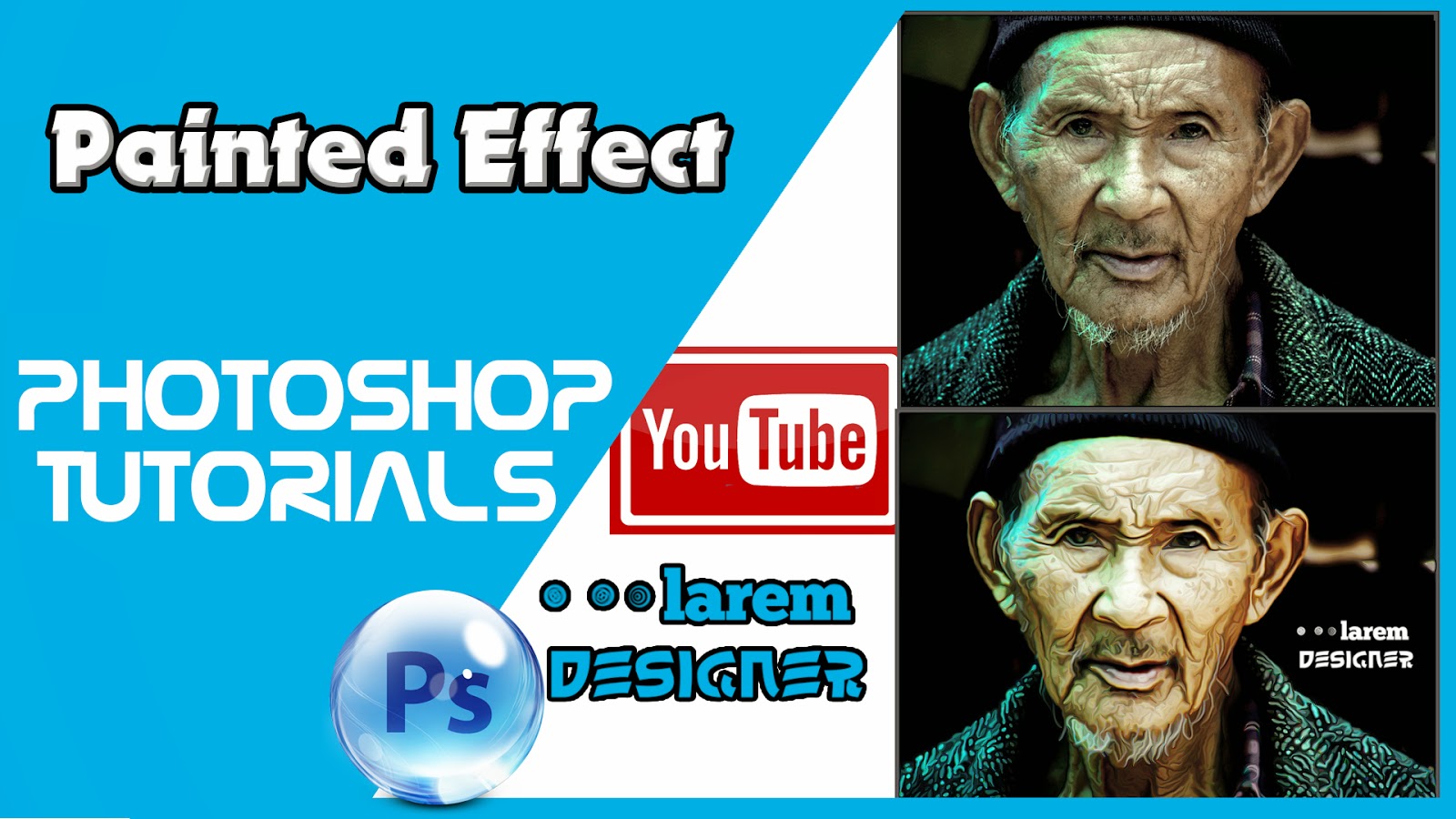
Painted Effect in Photoshop Photoshop Tutorials
Painted Effect in Photoshop Photoshop Tutorials
 |
| Painted Effect in Photoshop , Photoshop Tutorials |
Hello my visitors
Today you will learn how to convert you picture to look like it is painted .
step 1 : add your image than adjustment curve and change your curve darken the black area and add increase the contrast in the white area.
step 2 : duplicate the background twice , for the top layer add filter -> other -> high pass and choose high pass form 1 to 3 pixels choose the value when you see the details of your picture.
step 3 : change the mode from Normal to Linear light.
step 4 : Merge the two layers and make an filter -> stylize -> Diffuse and change the mode to Anisotropic.
step 5 : When you zoom you will see some ugly effect to fix this problem just rotate the image go to image -> image rotation -> 90° cw and then click CTR + F to applicate the effect and rotate by 180° this time and click CTR + F and then rotate your image to look like it was before.
step 6 : add other filter by going to filter -> sharpen -> smart sharpen and choose the amount : 100 % and 1 radius to 1 pixel .
step 7 : the last step will add other filter -> blur -> surface Blur and choose the radius to 50 px and 15 level.
and that all .
If you want to watch the video so enjoy watching and have a nice day
dont forget to like my page FaceBook
www.facebook.com/laremdesigner
and to subscribe to my Youtube channel
YouTube channel Larem Designer
and to flow me on twitter
www.twitter.com/laremdesigner
Go to link Download

Friday, May 5, 2017
Neon Font Effect Photoshop Actions
Neon Font Effect Photoshop Actions
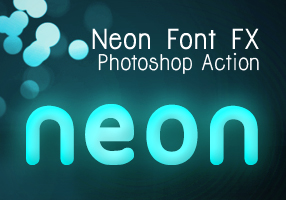 Recently I followed a cool screencast tutorial on Abduzeedo.com : Super Easy Neon Style in Photoshop and gave a quick try.
 The final result is beautiful and I like the possibility in adjusting colors before and after you hit the play button on Photoshop Actions panel. Actually it was a very easy tutorial, which I am sure everyone can easily follow just like I did. But with the series of settings on the tutorial, which you may miss them in some points to produce the neon font effect make me think to create a set of Photoshop Actions. I made 3 variants after I played a bit with the settings from that tutorial and now you can download it for free.
See the demo-screencast below to use the photoshop action. Feel free to ask me questions or send feedbacks via our comment form.
Read More
Go to link Download
Subscribe to:
Posts (Atom)
You can read our previous tutorial if you dont know what photoshop action is and how to install it: Graphic Identity Photoshop Action.
All of Graphic Identitys Free Design Box files are FREE (for personal or commercial use). But please read: Legal Usage to employ Graphic Identitys Free Design Box files before you decide to download the files.
Graphic Identity - Neon Font FX.zip (169.54 KB)
Related Post: